Let Manus agents make HeyGen videos, once or on a schedule.
1

Connect HeyGen

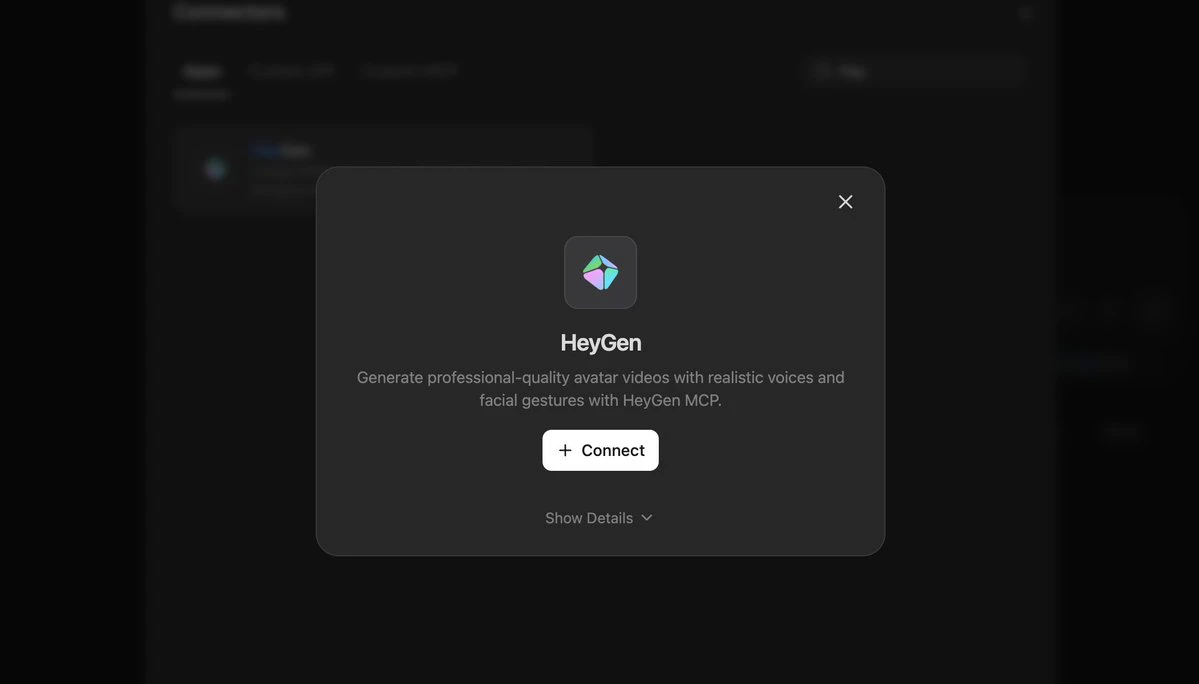
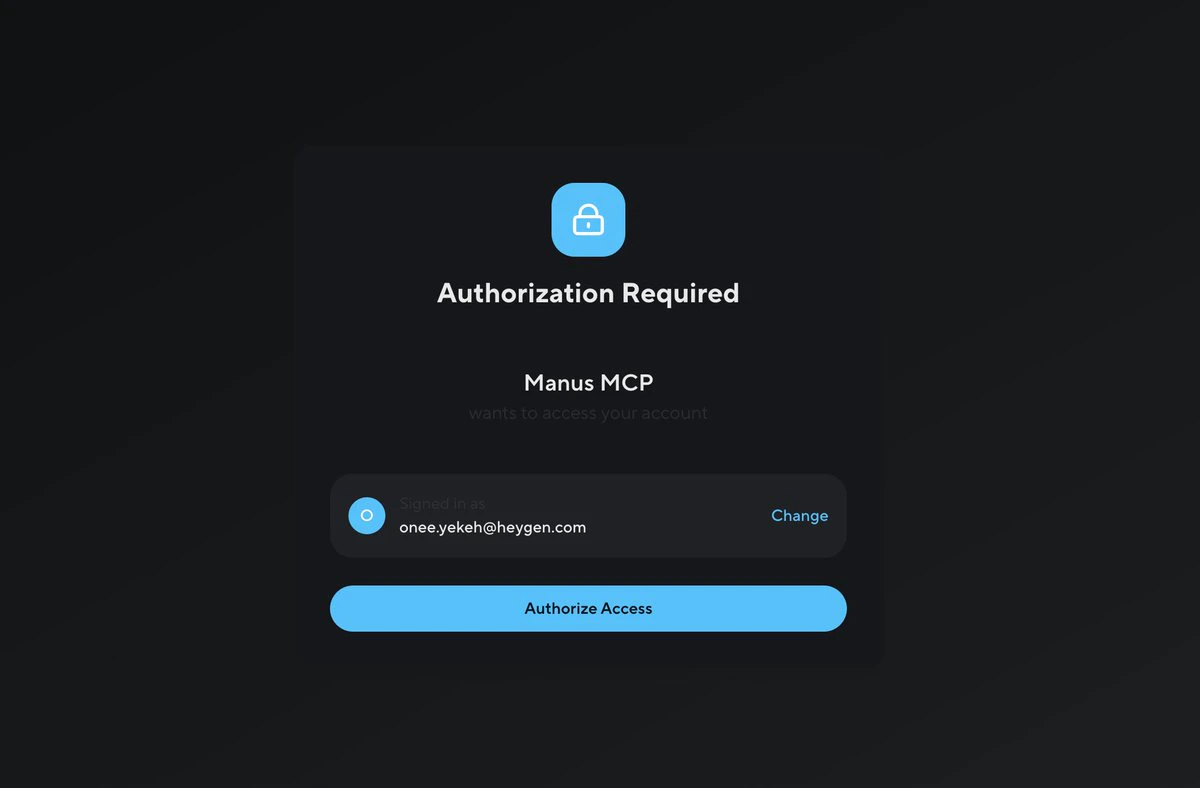
In Manus, click Connect your tools to Manus, search HeyGen, click Connect, and approve access.
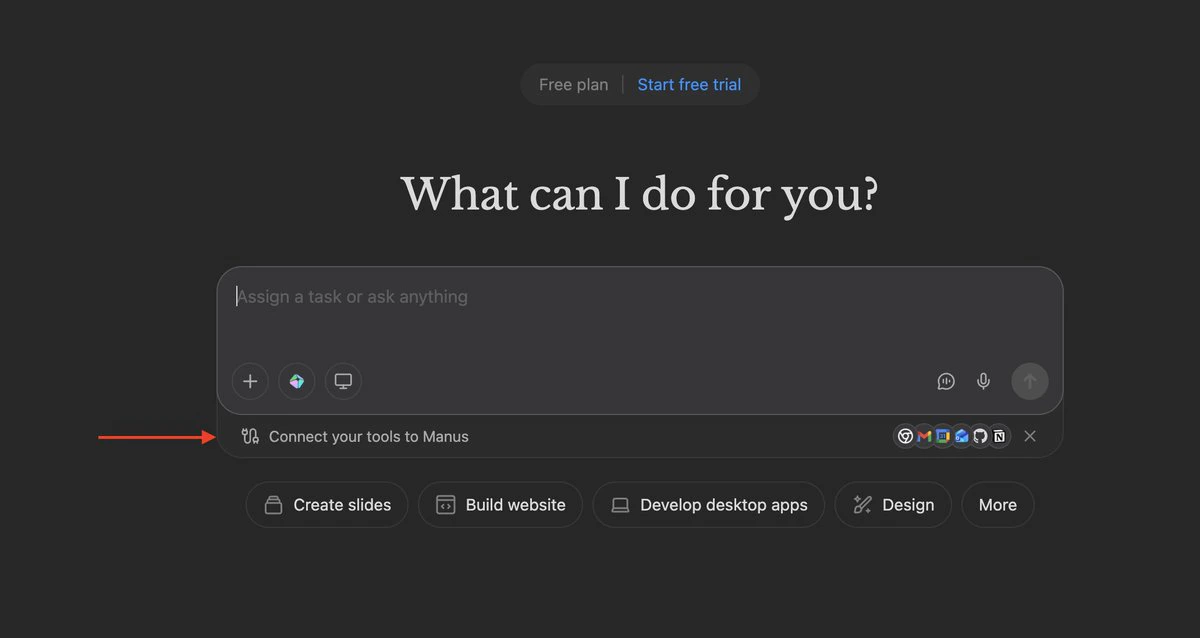
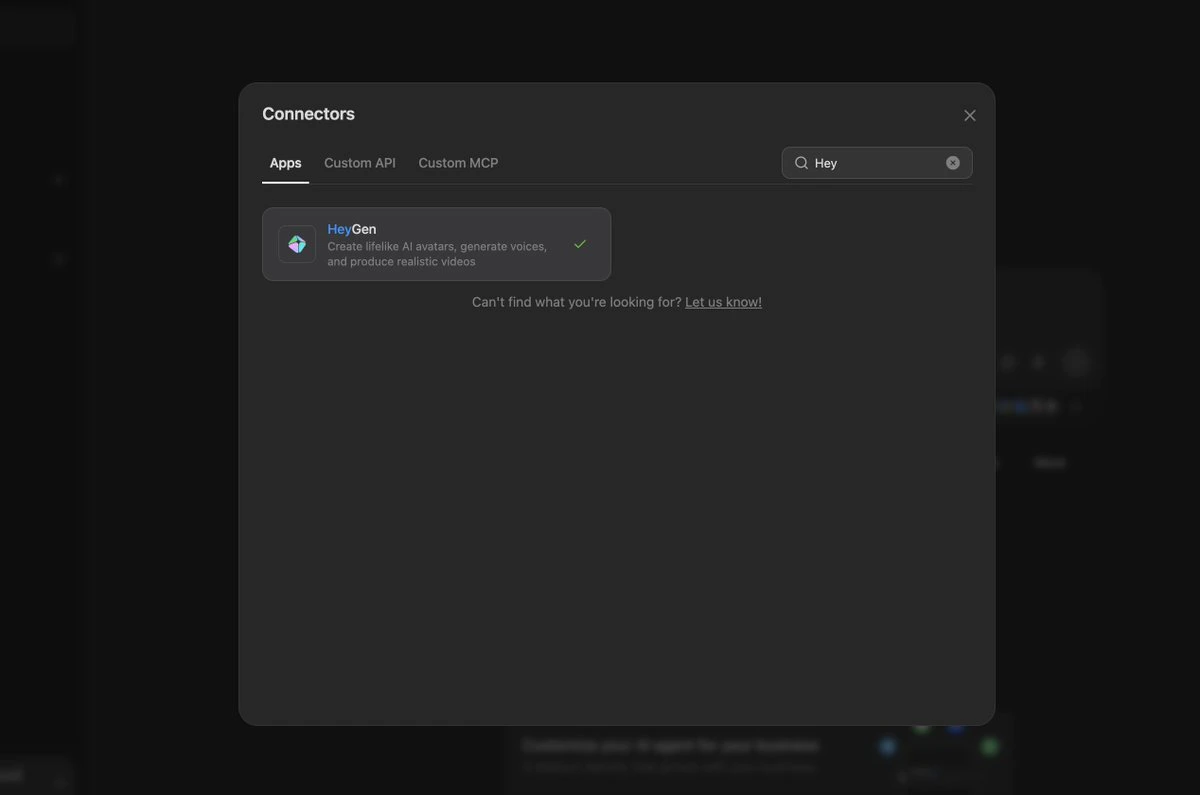
Connect your tools to Manus link
HeyGen in the Manus connectors search
HeyGen connector Connect button
HeyGen authorization page
2

Turn on HeyGen for your agent

In a chat, open the tools menu and switch HeyGen on.
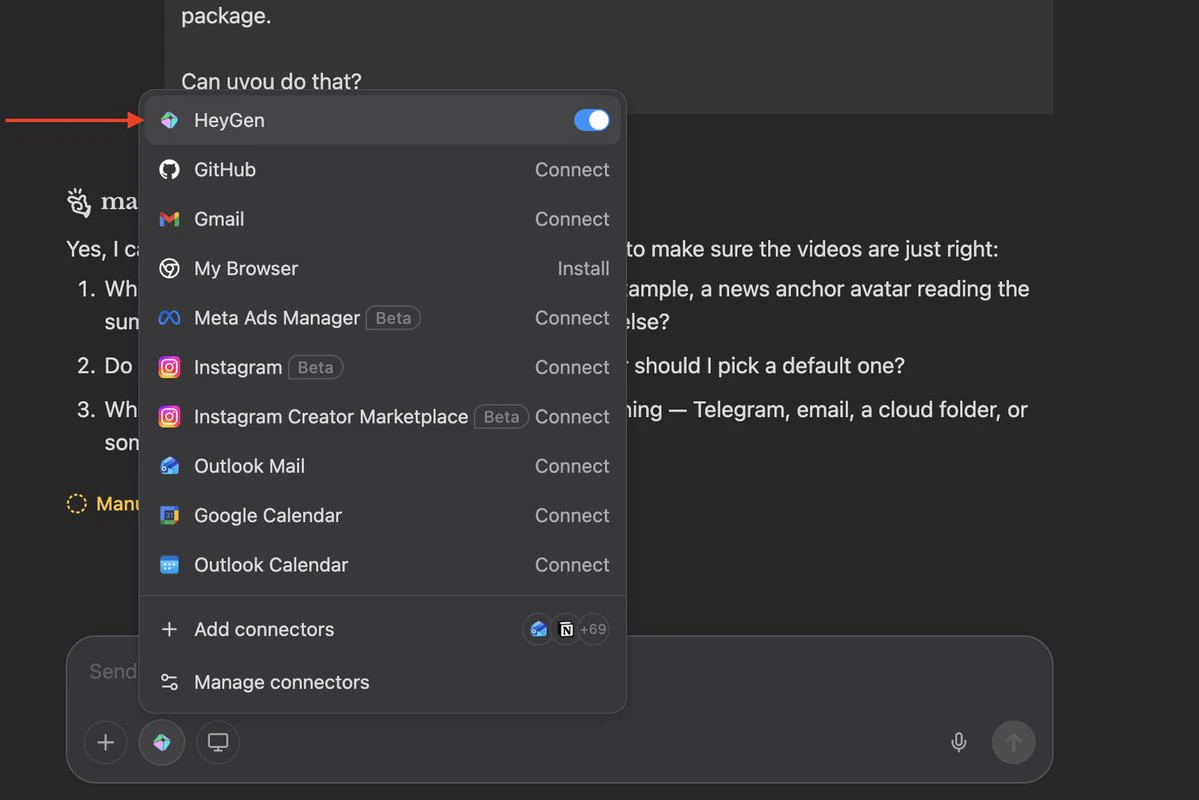
HeyGen toggled on in the Manus tools menu
3

Ask for videos

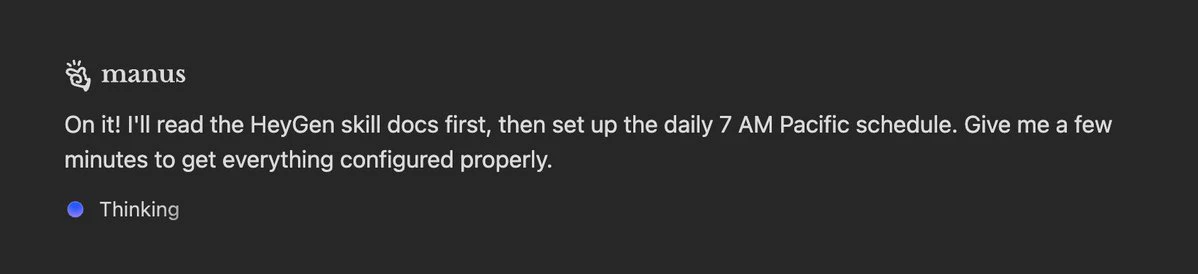
Manus reading HeyGen Skills before scheduling
For sharper scripts and scene structure, add HeyGen Skills to your Manus agent instructions.